MediPiro
QR スキャン or 手入力でラベルを Brother プリンタへ即印刷
App Store
機能
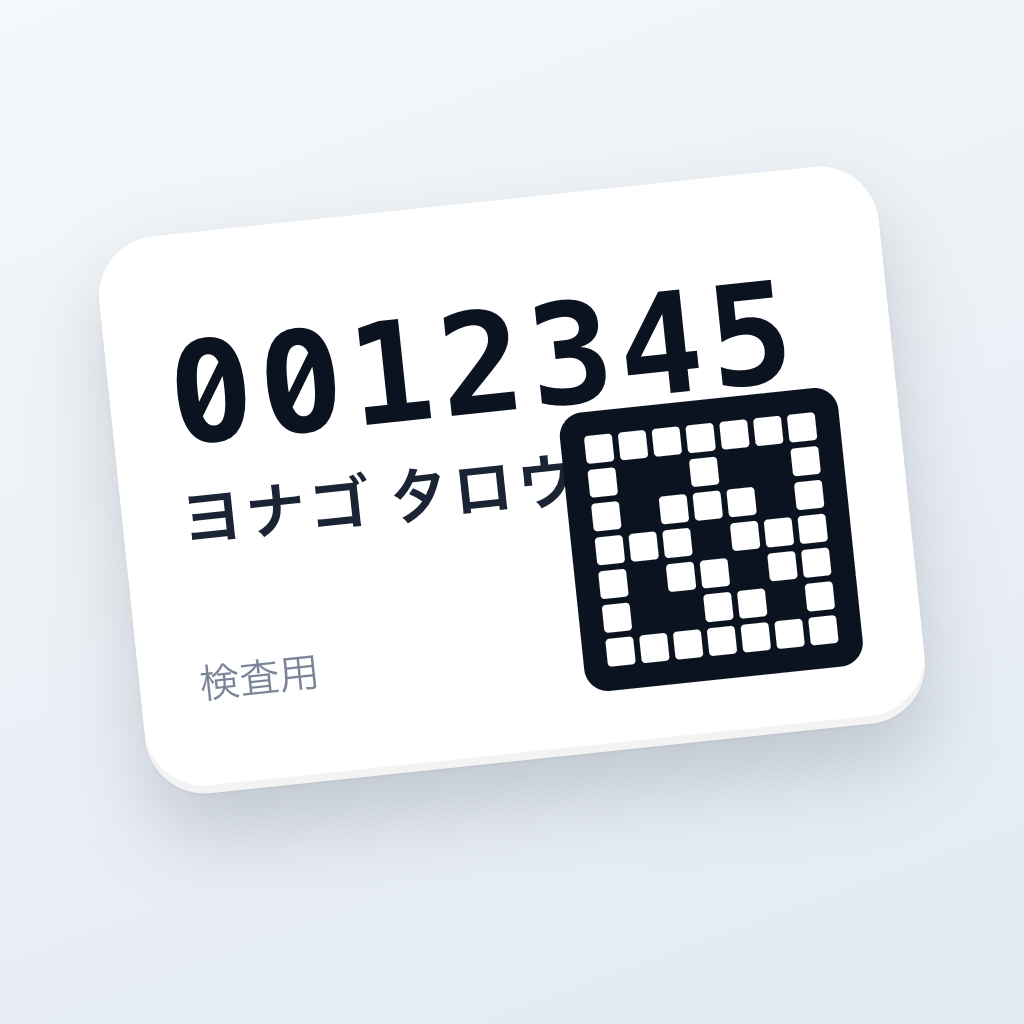
患者氏名・ID を入力するとラベルプレビューがリアルタイム更新
TCP 9100 で Brother プリンタへ直接送信、クラウド経由の遅延なし
DK-1201(29×90 mm ダイカット)に対応
印刷成功後はフォームが自動クリアで連続発行に最適
用紙切れ・カバーオープンなどプリンタ警告を画面表示
印刷履歴を Face ID / Touch ID で保護
すべてのデータは端末内(Core Data)にのみ保存、外部サーバー送信なし
こんな現場で
クリニック・診療所での患者ファイル用ラベル
調剤薬局での薬袋・在庫ラベル
検査施設での検体ラベル
その他、Brother ラベルプリンタを利用した患者識別ラベル印刷業務全般
動作要件
iPhone(iOS 18.0 以上)
Brother ラベルプリンタ QL-820NWBc
同一 Wi-Fi ネットワーク
対応用紙: DK-1201
免責事項
本アプリは医療機器ではありません。診断・治療の用途には使用しないでください
Brother、QL-820NWBc、DK-1201 は Brother Industries, Ltd. の商標です
本アプリは Brother Industries, Ltd. による公認・推奨を受けたものではありません
サポート / Support
プライバシーポリシー / Privacy Policy
Features
Live label preview that updates as you type the patient name and ID
Direct TCP/9100 transmission to the printer — no cloud round-trip
Supports DK-1201 (29 × 90 mm die-cut)
Form auto-clears after a successful print, optimized for batch printing
On-screen alerts for paper out, cover open, and other printer states
Print history gated by Face ID / Touch ID
All data stays on-device (Core Data); nothing is sent to an external server
Perfect For
Clinics and physician offices that print patient file labels
Pharmacies and dispensaries that print medication bag and inventory labels
Diagnostic labs that print specimen labels
Any setting that uses Brother label printers for patient identification
Requirements
iPhone running iOS 18.0 or later
Brother label printer: QL-820NWBc
Same Wi-Fi network as the iPhone
Paper: DK-1201
Disclaimer
This app is not a medical device. Do not use it for diagnosis or treatment
"Brother", "QL-820NWBc", "DK-1201" are trademarks of Brother Industries, Ltd.
MediPiro is not endorsed by or affiliated with Brother Industries, Ltd.